


How to support neurodivergent attendees at your event
- Ben Percival
- Reading time: 10mins
What this guide covers
Practical, low-cost ways to reduce stressors for neurodivergent attendees across every stage of your event. Not every tip will apply to every event. The goal is to find the quick wins that make the biggest difference.
Worth noting: neurodivergent-friendly thinking benefits everyone. We’re all subject to the stresses of crowded spaces, pressure to network, and sensory overload.
“Wellbeing is not fluffy, it’s strategic.” — EventWell.org
Contents
- Quick-win checklist
- Pre-event communication
- Event registration and check-in
- Sensory environment
- Exhibitors and speakers
- Signage, wayfinding, and venue layout
- Schedule and session design
- Networking and social spaces
- Food, drink, and breaks
- Staff training
- Event day policies
- Post-event follow-up
Quick-win checklist
These are the highest-impact, lowest-cost changes any event organiser can make:
- A quiet room — clearly signposted and genuinely quiet
- A neurodiversity/accessibility page on the event website
- Clear maps and signage with consistent naming across all communications
- Plain-English joining instructions sent early
- Earplugs available at reception
- Staff trained to be calm, patient, and direct
- Freedom to leave and re-enter sessions without judgement
- A predictable schedule with proper breaks between sessions
“Burnt out attendees don’t convert, overwhelmed staff don’t perform,
unsafe spaces damage reputation.” — EventWell.org
The rest of this guide breaks each area down in detail.
Pre-event communication
Clear, structured information reduces anxiety before anyone arrives.
- Publish the schedule early with start/finish times, breaks, and locations
- Add a visual map showing quiet rooms, toilets, food areas, registration, first aid, and exits
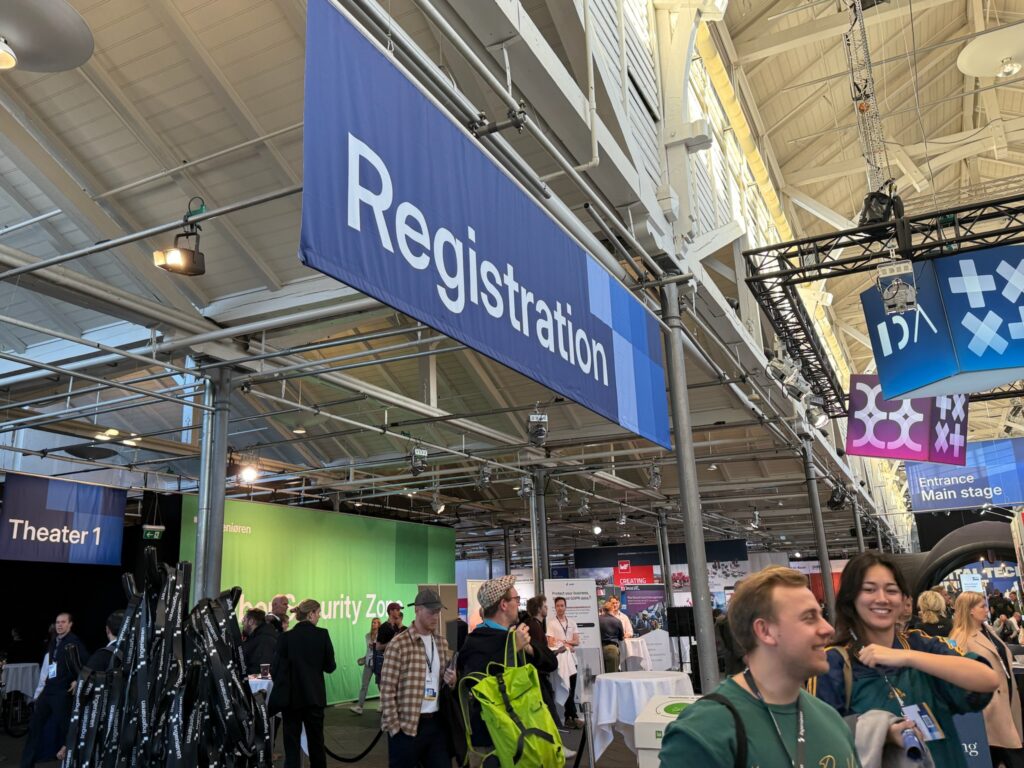
- Share photos of key areas (entrance, registration desk, main hall) so the space feels familiar before arrival
- Explain the arrival process step by step: queueing, badge collection, where to go next
- Include transport details for parking, public transport, and accessible entrances
- Repeat key information across email, web pages, and on-site signage
- Don’t bury critical details. “Bring ID”, “download the app”, “arrive 30 minutes early” — if something matters, it needs to be visible, not hidden in long paragraphs
Consider adding a neurodiversity or accessibility page to the event website. Plain language, no padding. A simple contact form for attendees to let you know their needs is better than a phone-only option.
Event registration and check-in
Registration is every attendee’s first physical interaction with your event. A smooth, low-stress check-in sets the tone for the rest of the day.
- Offer multiple check-in options: a standard desk, a quieter low-interaction desk, and self check-in kiosks
- Position check-in away from loud music or PA speakers
- Train registration staff to be calm, patient, and direct — no pressure, no forced small talk
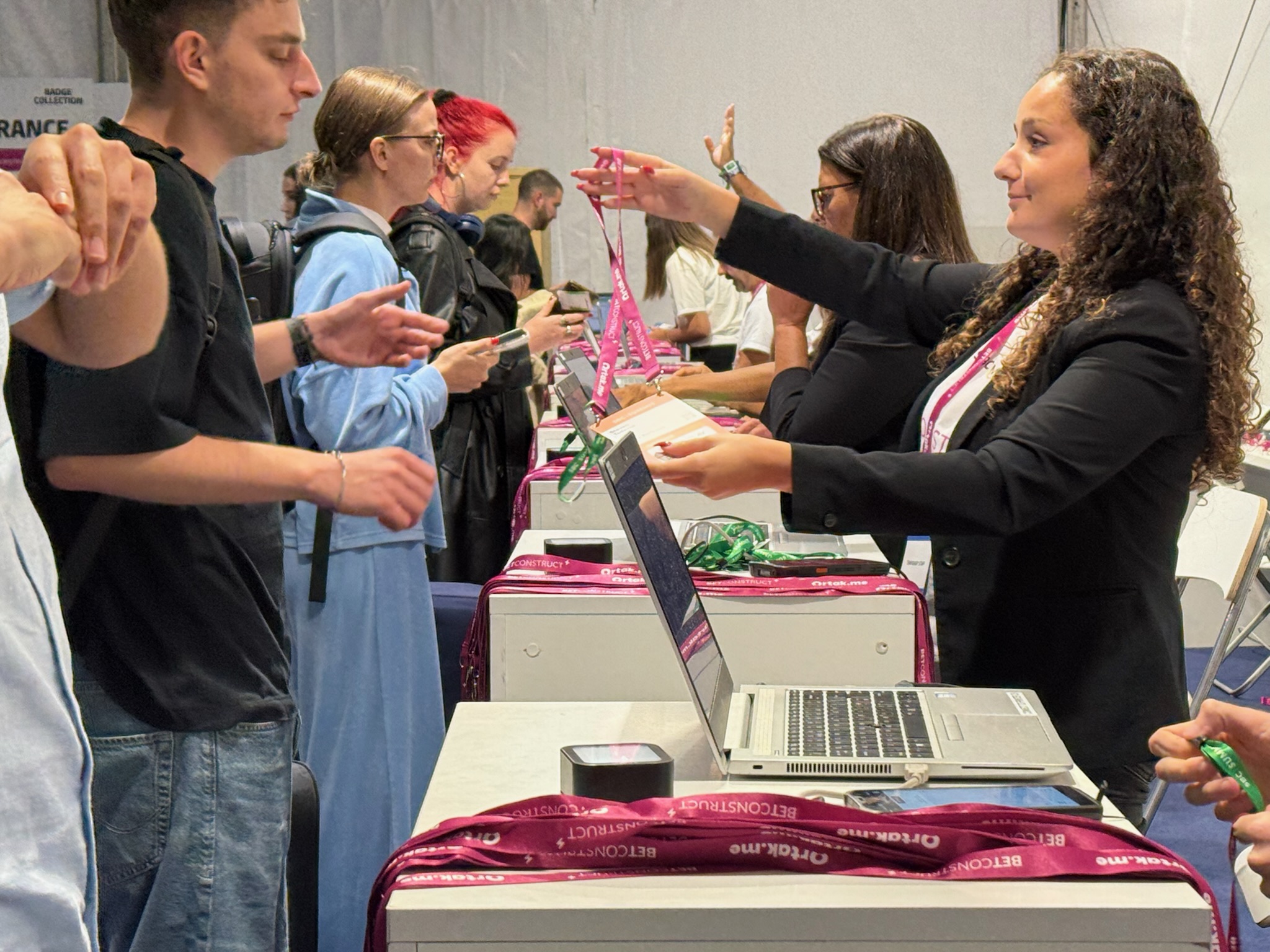
- Ensure you have an efficient badge collection process to speed up arrivals and reduce queuing (benefits everyone, but especially those who find crowds stressful). Print-on-demand badges and self-service stations are often better for this than pre-printed badges, which can create an awkward moment if someone’s badge isn’t found. But back up your self-service station with a nearby helpdesk that also has badge printing capability. Don’t force attendees to go the self-service route if they come to the helpdesk.
If you do print badges in advance, make sure staff look calm and competent, and don’t make a fuss if the badge is missing. - Offer early badge collection to remove one stressor from event day
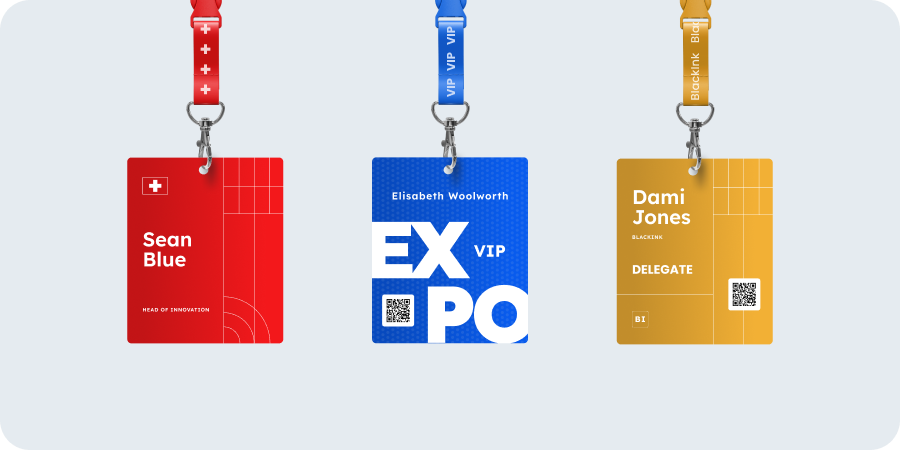
- Consider colour-coded lanyards or sticker systems for communication preferences — green = “open to chat”, amber = “happy just looking”
People are more open about being introverts now. Many prefer to signal this rather than find themselves in uncomfortable conversations.
Sensory environment
Sound, light, and crowding are the three biggest sensory triggers at events. Small adjustments here have an outsized impact.
- Provide at least one quiet room — genuinely away from the noise, not a corner of the main hall
- Signpost the quiet room clearly and don’t let it become a meeting room or call space
- Keep background music low in networking areas (or skip it entirely)
- Avoid flashing lights, strobes, and aggressive LED screens
- Provide earplugs at reception — cheap and high-impact
- Offer low-sensory seating areas away from speakers and busy walkways
- Avoid overpowering scents from diffusers or heavy air fresheners
- Plan wide aisles and identify where bottlenecks are likely to occur
When people feel physically trapped in crowds, anxiety compounds quickly.
Exhibitors and speakers
Exhibitors and speakers are at the event for extended periods, often without the option to step away. They deserve the same consideration.
- Offer low-sensory stand locations away from main stage speakers or busy entrances
- Allow exhibitors extra space behind the stand, with access to quiet room facilities
- Provide lead capture with dictation so stand staff with dyslexia can speak notes into an app rather than write them down
- Offer speakers rehearsal time and alternative lighting if spotlights cause discomfort
- Encourage low-pressure lead capture: “Scan here and we’ll email you” or “Take a leaflet and follow up later”
- Make it clear that badge scanning requires consent — this reduces anxiety about being approached unexpectedly
Signage, wayfinding, and venue layout
Consistent signage is critical for neurodivergent attendees who rely on predictability.
- Use large text, high contrast, and simple arrows
- Keep room names consistent across your event app, printed schedule, and on-site signs
- Avoid naming conflicts — “Stage A” on the app but “Main Theatre” on the sign creates confusion
- Use colour-coded zones and keep the system simple
- Provide multiple routes between key areas for when main corridors get congested
Schedule and session design
- Publish start and end times for every session, including Q&A
- Avoid surprise schedule changes. If unavoidable, push updates through multiple channels
- Build buffer time between sessions for transition and decompression
- Set clear expectations in session descriptions: lecture, panel, workshop, or audience participation? Ticketed or open? How early to arrive?
- Flag sessions that include loud demos, filming, or audience interaction
- Make participation optional. “Turn to the person next to you” excludes people who find spontaneous interaction difficult
Networking and social spaces
Not everyone attends events to network. Offering a no-networking-required experience is a small shift that makes a big difference.
- Use structured networking formats: topic tables, hosted introductions, small-group sessions
- Try topic tables — sitting down signals interest in a subject, which provides a natural icebreaker
- Offer an opt-in buddy system, especially for first-timers
- State explicitly that it’s fine to attend alone. It might seem obvious, but saying it removes a barrier
Food, drink, and breaks
- Label food clearly for dietary types
- Provide quiet eating space away from the main crowd
- Communicate meal timings early and stick to them
- Make water easy to find without having to ask
- If breaks are scheduled, honour them

Staff training
This is where many events fall short. Front-of-house staff and security set the tone for every interaction.
Train all staff — including security — to:
- Give clear, direct directions
- Avoid sarcasm when someone is stressed
- Allow extra time without rushing
- Not touch attendees (guiding by arm, for example)
- Not crowd someone who appears overwhelmed
If staff notice someone struggling, a gentle offer of the quiet room, some water, or a simple “can I help?” goes further than ignoring the situation or making a fuss.
Security staff are often the first and last people attendees interact with. Include them in this training.
Event day policies
- Allow attendees to leave and re-enter sessions freely
- Confirm that wearing headphones is acceptable
- Designate filming zones: “filming in this room” or “no filming” (especially quiet rooms)
- Offer “no photo” badge stickers where photography is common
- Remove unintentionally captured “no photo” images from marketing materials after the event
- Keep announcements consistent: between sessions only, same person, reasonable volume
Post-event follow-up
- Send a short, structured follow-up email
- Provide slides or recordings where possible
- Include an anonymous feedback form covering noise levels, navigation, check-in experience, and quiet spaces
- Use that feedback to improve the next event — and say you did
- If the form wasn’t anonymous, let those who asked for improvements know their feedback was acted on